The Journey of a Transaction
In the third part of my education series, I am revisiting part of an old training session I used to present to colleagues. The training was called Authorization Basics, and after a couple of hours covering many scenarios, some colleagues would jokingly question whether it was truly basic. They were mostly referring to the section called "The Journey of a Transaction."
My goal here is to show the end-to-end journey from acquiring bank to issuing bank and back again. For payment card transactions, this is the core model: acceptance, issuance, and the payment network in between. While the standard flow for Visa (and most schemes) is straightforward, I will admit there was a bit of mischief in calling it "basic," because the journey highlights many potential problems that lead into more advanced processing topics.
I will not cover specific transaction types here (for example, tokenization or e-commerce), since this discussion applies to the large majority of authorization types.
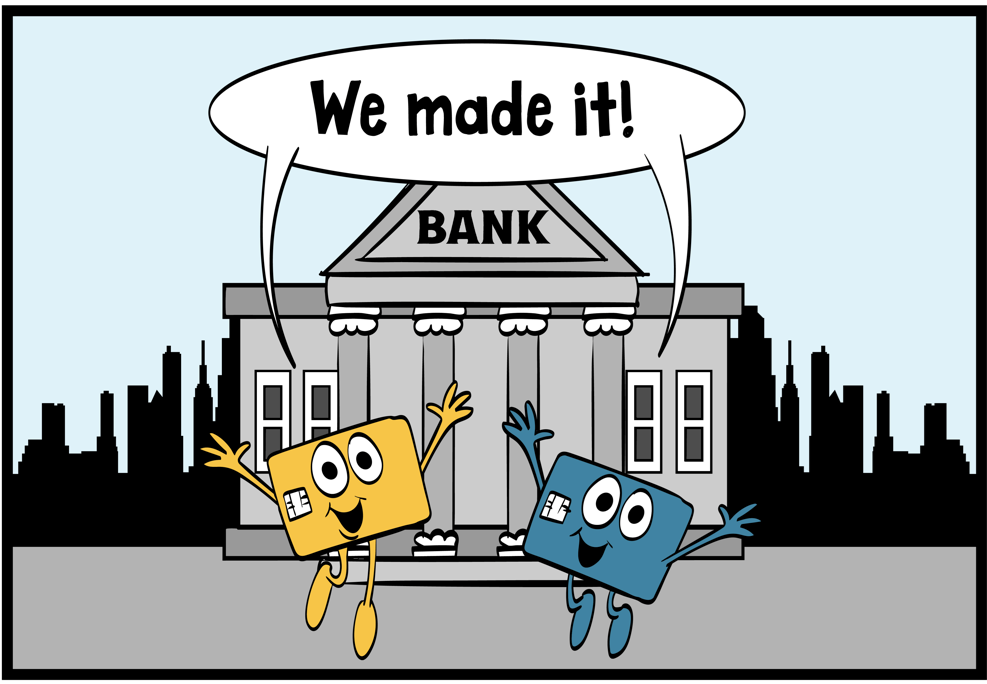
Let's look at five possible points of failure across seven scenarios below. Cardo and Swipey are ready to shop again.
Possible problems at early stages of processing
When the transaction takes place, it is important for the acquirer to route correctly according to routing tables receive. From a Visa perspective, there is a mandate for acquirers to use the Visa Routing Table for ATM transactions. Visa typically delivers these tables to endpoints on Wednesdays, or on Fridays for endpoints using combined Visa/Plus tables. The weekly tables reflect Visa parameters changed up to the changes loaded on the prior Monday.
While POS transactions are not subject to the same mandate, it is strongly recommended to use the Visa routing tables for POS routing.
The routing tables include active account ranges so that cards not matching any account ranges (for example, fraudulent numbers) are not routed for processing.
Another common processing problem is related to issuer settings in Visanet for valid account ranges. For many years, a Visa recommended practice for preventing account-generation fraud was to split account ranges so not all one billion account numbers were open. Some split ranges were inactivated so that attempts to generate cards on those ranges would fail.
Unfortunately, some clients issued new card numbers to customers on inactive ranges, causing them to be rejected at the point of service or, if routed to VisaNet, immediately declined with response code 15 (No Such Issuer). Although splitting or inactivating ranges is less common today, when this problem occurs a cardholder can be affected for up to two weeks due to the routing table production and delivery cycle. I handled hundreds of such cases over the years.
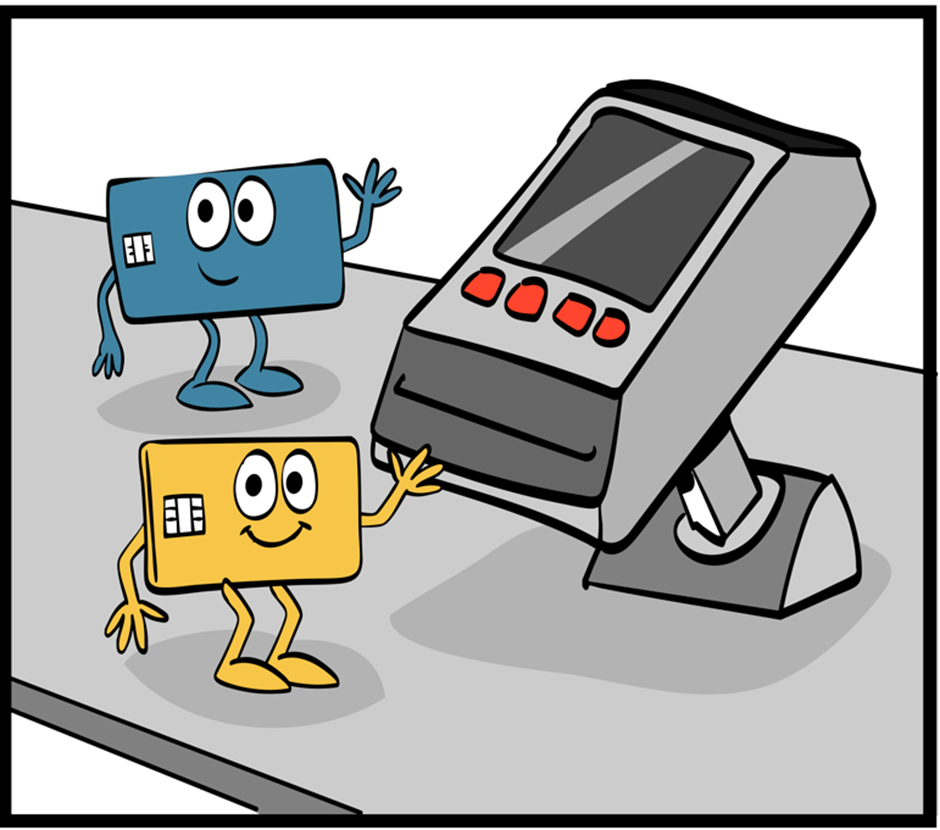
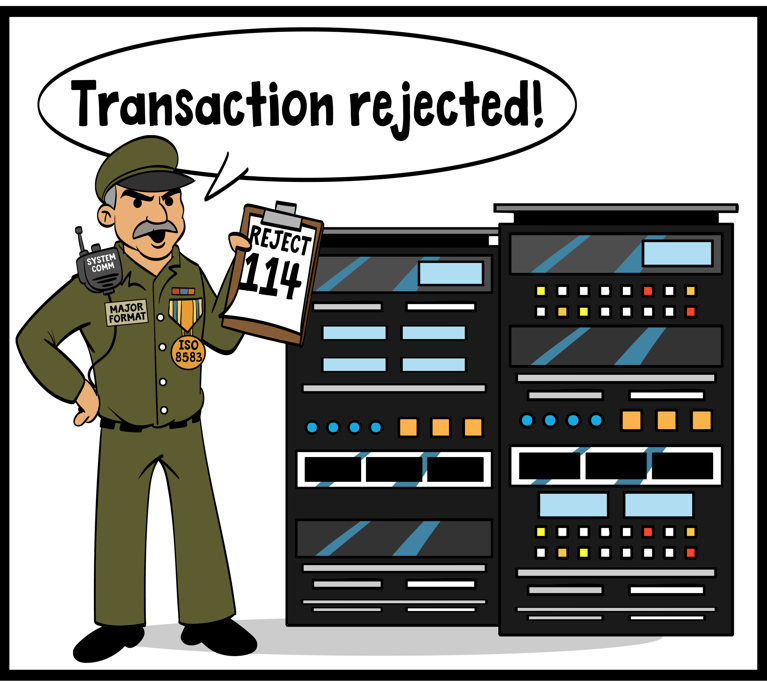
Acquirer transaction rejected
In this scenario, the next stage of processing is reached, transactions routed successfully to the Visa network. Major Format is on the left side of the network mainframe, at our next common point of failure. Seems the transaction has been rejected due to incorrect data.
The first article in my education series is all about this scenario, so take a look for more details.
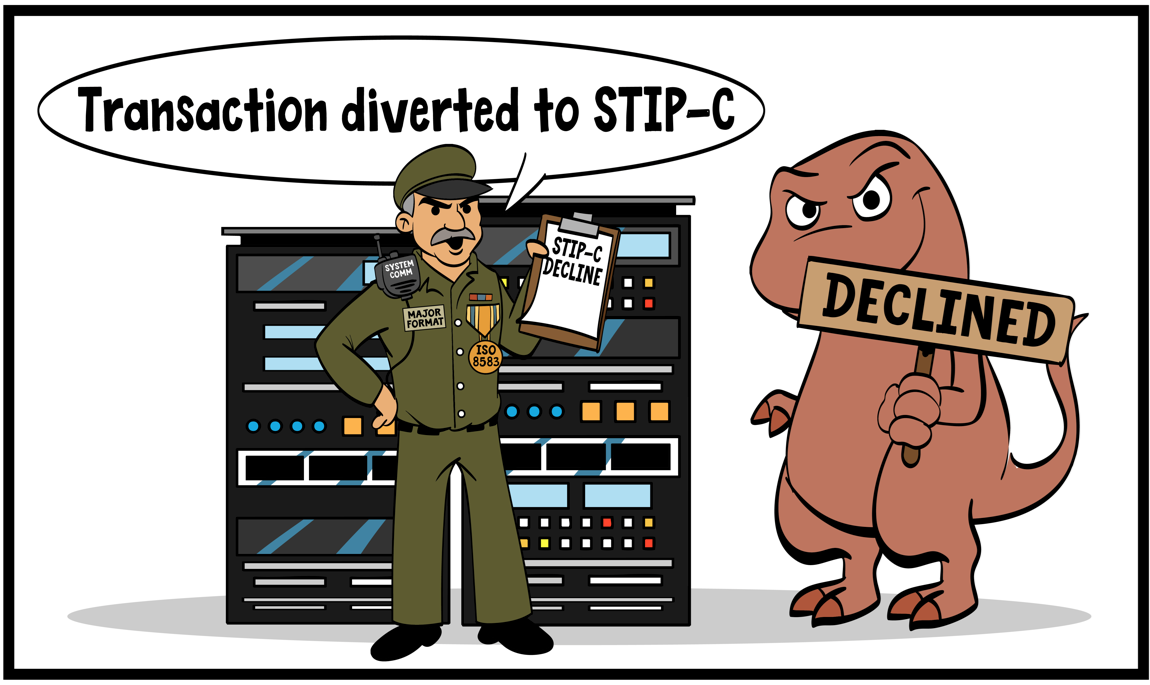
STIP C declines
In this scenario, Major Format is standing at the middle of the mainframe. Transactions have passed initial processing checks in VisaNet, but a STIP C condition has been encountered.
STIP C means that the response was provided by STIP for conditions not listed.
STIP C always results in a decline to the acquirer. The STIP/Switch Reason Code in field 63.4 provides more detail on the reason. Some common examples:
- 9033 — Declined: active account-management threshold exceeded (token related)
- 9047 — Transaction declined due to Real-Time Decisioning (VAA/VRM related)
- 9204 — Cashback processing error
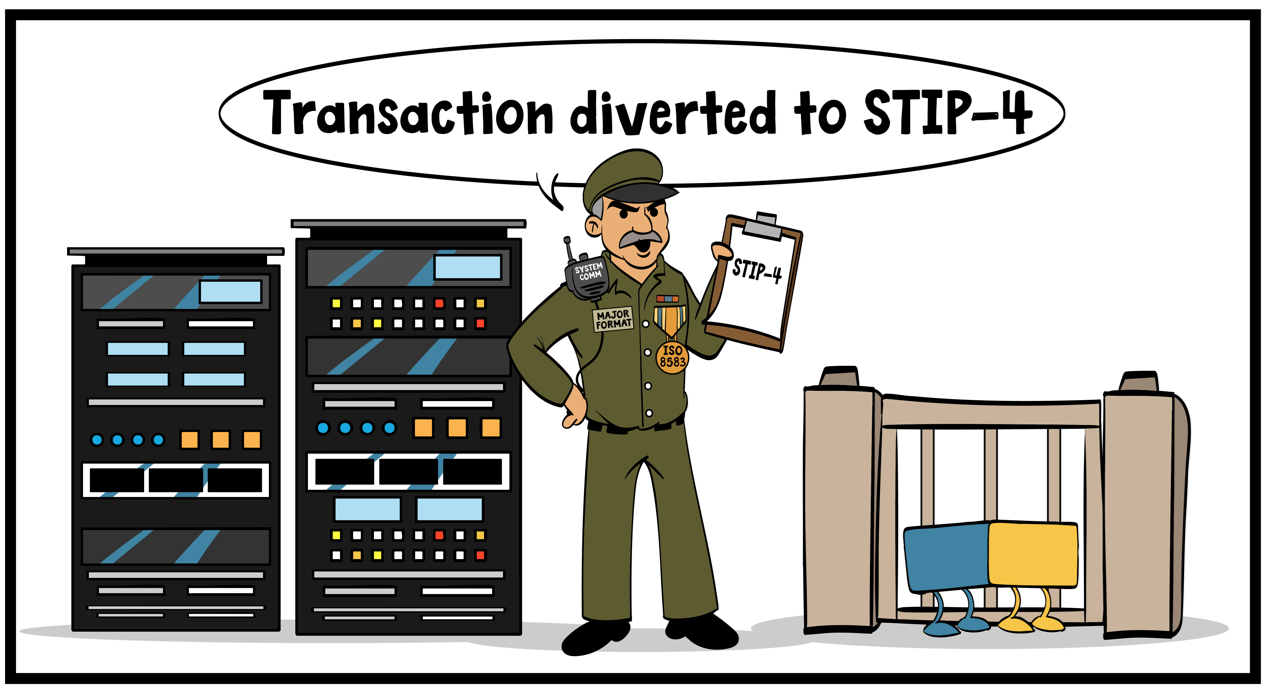
STIP 4 declines
In this scenario, Major Format is at the right side of the mainframe, so the transaction has passed the edits in the earlier scenarios. We are now at the point where we want to transaction to issuer host system, but it seems the gate is closed for Cardo and Swipey and they are not going anywhere.
To send the transaction to the issuer, two things must be in place:
- Communication lines between Visa and the issuer host system must be up (Visa-to-client lines or local communications lines).
- The issuer host station(s) must be signed on to receive traffic.
If either condition is not met, the transaction cannot be sent to the issuer. The STIP Advice Code is 4 (Issuer Unavailable) and the applicable STIP reason codes include:
- 9001 — Issuer signed off
- 9002 — Issuer signed off by switch (rare)
- 9011 — Line to issuer down
When STIP 4 is encountered, transactions do not proceed to the issuer and are routed to Visa Stand-in Processing, which returns the appropriate response code (approval or decline) to the acquirer.
Transactions have reached the issuer host, but…..
Passing all earlier points of failure is great, but reaching the issuer host does not guarantee a successful outcome.
Transaction response problems at the issuer side, transaction STIP response
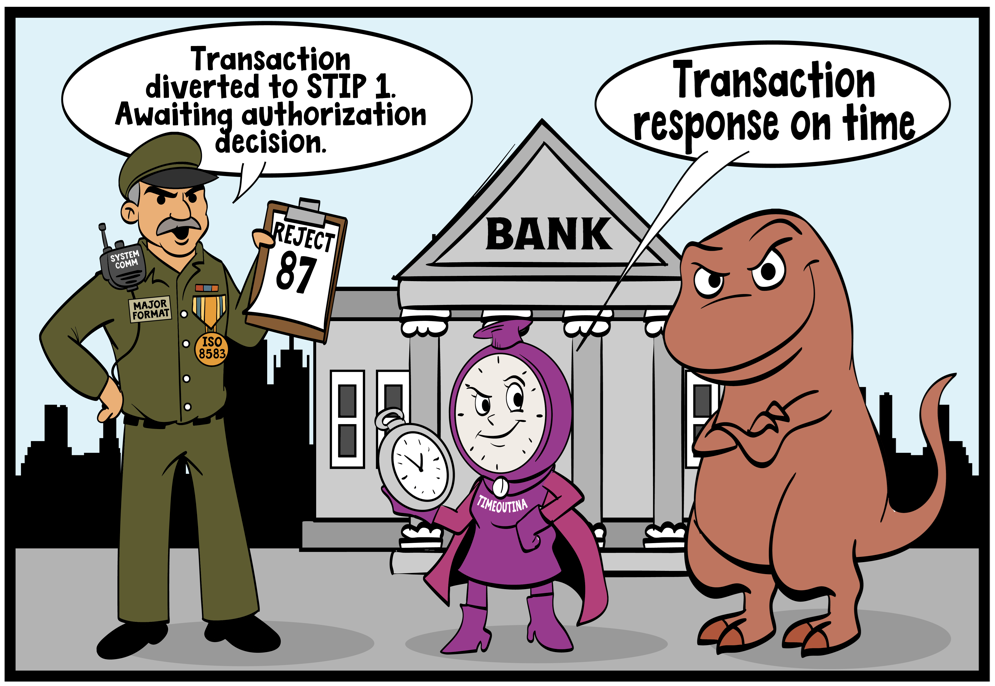
As described in my second article, the issuer must respond on time and with correct data. In this scenario, the response is within time limits according to Timeoutina, but Major Format shows that the issuer's response was rejected with code 87.
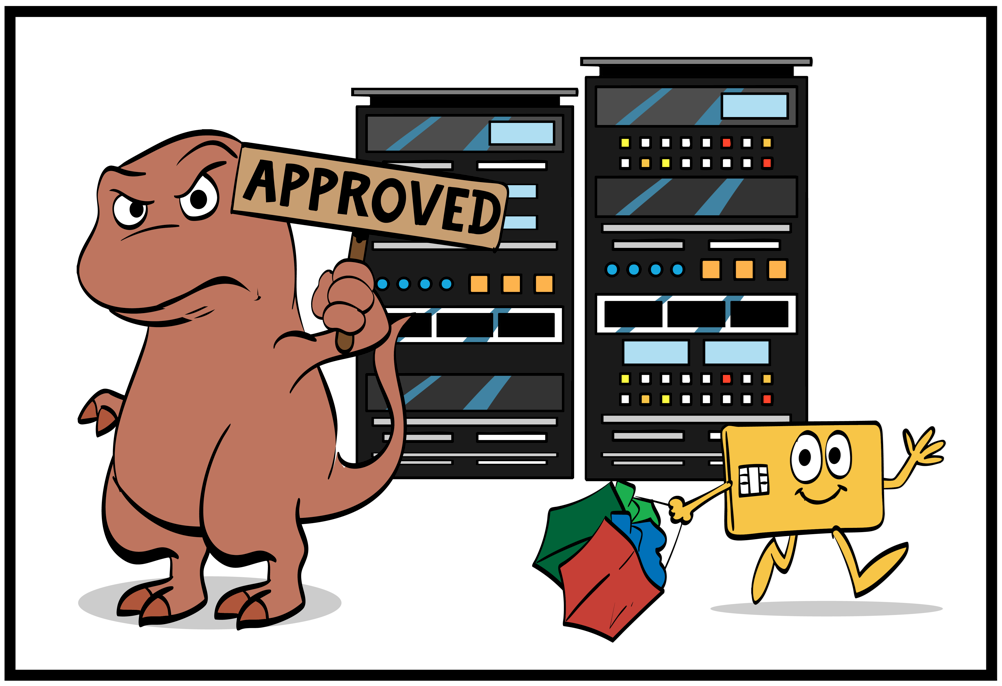
Because of this, Cardo's transaction timed out and went to STIP for a decision. As shown in the next picture, STIP returned an approval, so Cardo is happy and Decline-o-saurus is not!
The STIP Advice Code for this scenario is 1, and the associated STIP reason code is always 9020 (Issuer response timed out).
Perfect round trip with an approval
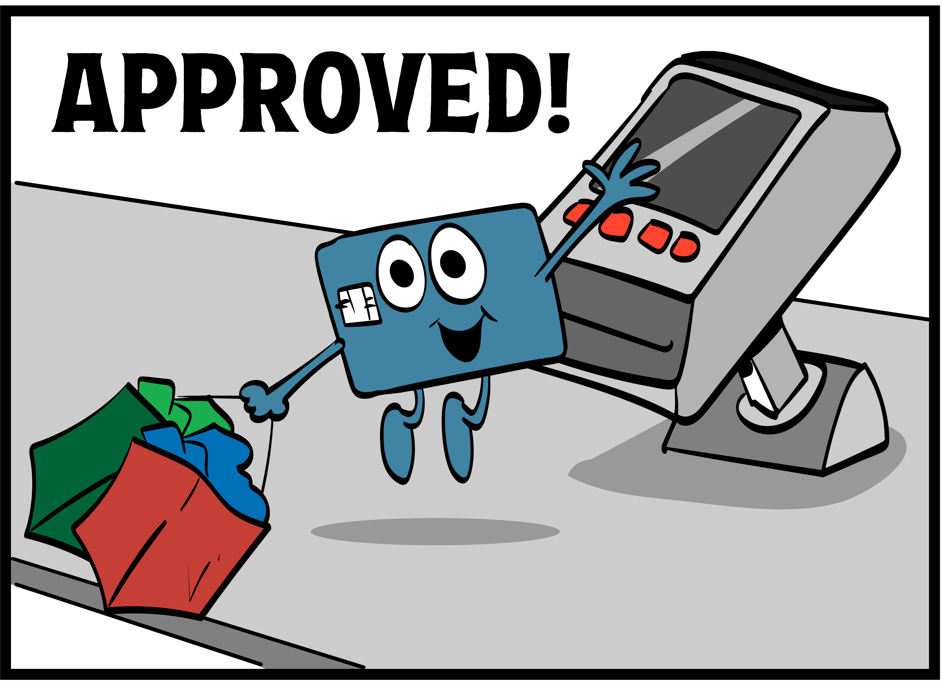
In this scenario, Swipey has completed a successful purchase with no problems along the way. Fortunately, this is the scenario we see most often.
An important point to note
Some people assume that when a transaction goes to STIP it will automatically be declined. That is not the case, and it is important to separate two elements:
- The processing that routes transactions to STIP
- The processing within STIP that generates the final response code sent to the acquirer, merchant, and cardholder
A large number of the tickets I handled over nearly 28 years of troubleshooting authorizations revolved around the scenarios in this article. If you understand these basics, you will be well positioned to understand the journey transactions take and the pitfalls that can occur. There are many variations in the details, with multiple STIP reason codes and response codes involved, but they all occur within the same basic framework of the transaction journey shown above.
Optimizing processing and Visa system settings so transactions flow from the acquirer to the issuer and back again without problems is the key to a successful card-processing business.
Payment Authorization Expertise can help if these issues are affecting your processing. If we can partner with you, please get in touch.
Overdue credit needs to go to Patrick Carlson for doing the artwork which is an essential part of my articles.
You can contact Patrick on art@patrickcarlson.net
Facebook ·
Watch Patrick draw ·
patrickcarlson.net